
EpsteinWiki Article Update Process
The EpsteinWiki update process is designed to be fast, structured, and verifiable. Every update follows the same path so the database stays clean and consistent.
First: Start with one defined research question or proposed update. A social media post, news article, video, document or image may supply a lead. Open the original lawful source and verify its claims before adding anything. Review surrounding records, relevant responses and later outcomes. Keep the scope traceable without treating one item as the whole evidence base.
Next: identify the correct existing page where the information belongs. Always update the most relevant article instead of creating a new one. For example, if the information relates to Paolo Zampolli, go directly to his person page. The goal is to strengthen existing entries, not scatter information across duplicate pages. If no existing page fits, prepare a new draft using the relevant template and request editorial review. This workflow alone does not authorize publishing it.
Step-by-Step: Updating in WordPress
Step 1: Sign in to WordPress and open Knowledge Base → All Articles, or the equivalent Knowledge Base article list for your account. Search for the existing KB article and choose Edit. Use How to Write and Update EpsteinWiki KB Articles for the current detailed controls. The screenshots below are older editor examples; labels and positions may differ.
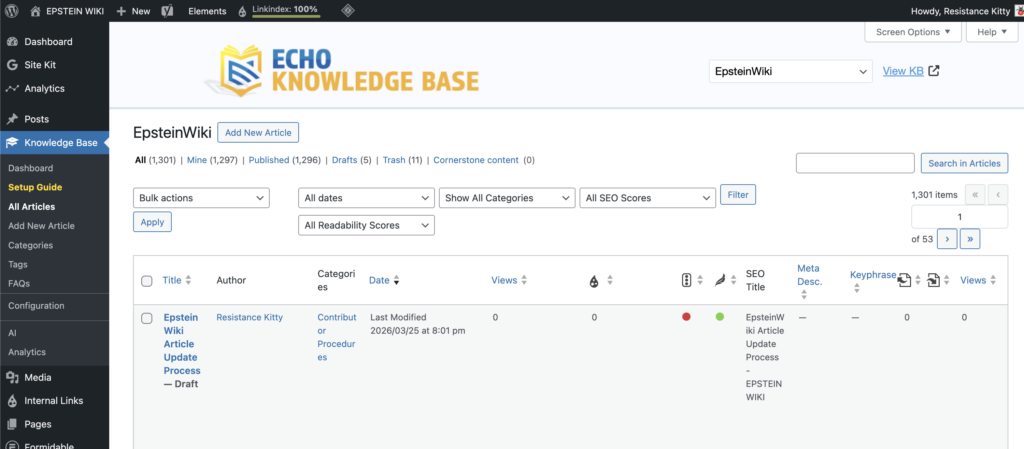
Step 2: Search for the Article you wish to edit and Click the name of the article.
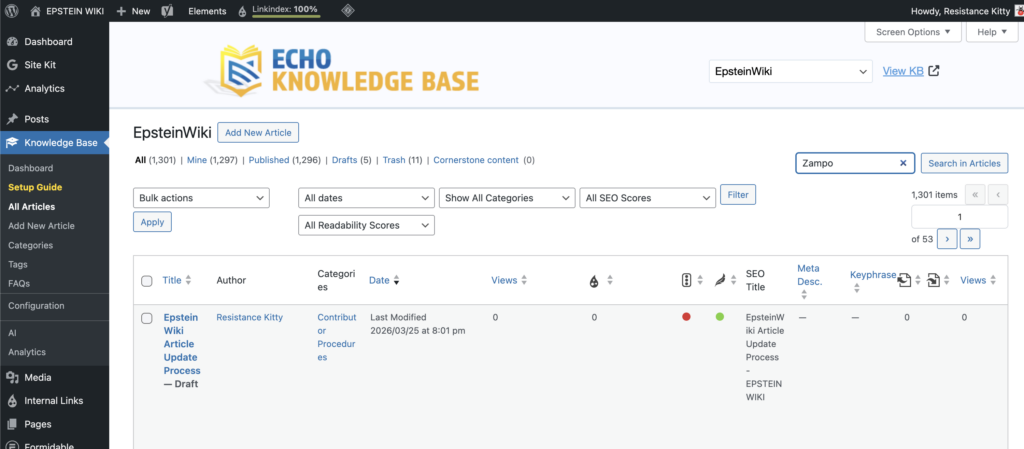
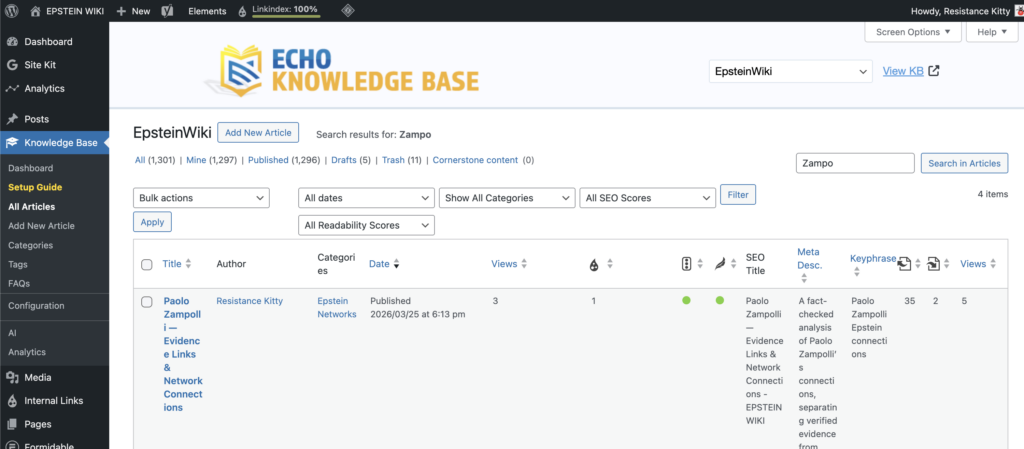
Step 3: Read the whole article and its important sources. Preserve supported material and owner edits. Integrate the verified update in the correct section, and reconcile its Snapshot, timeline, evidence register, limitations, Conclusion, Questions and Answers, and Sources where affected. Preserve the established URL, status, media and metadata unless the assignment covers them. Recheck the saved article before editing if another contributor may have changed it.

Step 4: Provide direct evidence links with exact verified identifiers and page or timestamp locators. A screenshot may help explain a record, but it does not replace the original source or surrounding context. Use an Image block only when a lawful, privacy reviewed image adds value. Preserve provenance and required credit, add accurate alt text and avoid exposing survivor or private information.

Step 5: Next, add your sources. Highlight key words in your text and use the link tool to embed clickable links. Always use natural anchor text (for example, referencing The New York Times or United States Department of Justice) instead of pasting raw URLs. Every claim should be traceable to an original source. If the page includes a Sources section at the bottom, scroll down and add the new source there as well, maintaining the existing format and numbering style.

Step 6: Once your update is complete, click Preview to review the page before publishing. Check that formatting looks clean, links are clickable, and images display correctly.
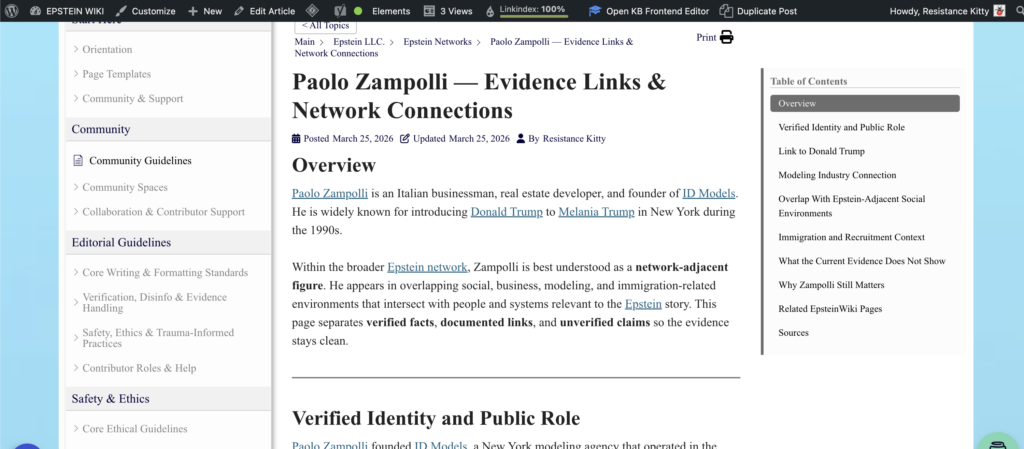
Step 7: Use the control appropriate to the article’s current status and your assigned authority. Keep new work in Draft or submit it for review when required. Update a published article only when its changes are approved for public use. Do not change a live article to Draft merely to request review. After saving, reopen the complete saved content and verify every intended change. For a public update, also inspect the public URL and confirm the text, links, formatting, media and metadata. Report a failed or uncertain save rather than assuming it worked.
Final Check (Do Not Skip)
Before you leave the page, quickly confirm:
- The information is accurate and clearly written
- The update is placed in the correct section
- Direct source links, verified identifiers and relevant locators support each new claim; any screenshots are lawful, accurate and privacy reviewed
- All sources are properly embedded as clickable links
- The complete saved article and its public page or private preview were checked, with the intended status, URL, media, metadata and other editors’ work preserved