
Search the Epstein Files by Face
Upload a photo and see where a face turns up in the files. This kitty never forgets a face.
The Epstein files hold hundreds of thousands of images: photos, scans, news clippings and screenshots. If you want to know whether one specific person shows up, good luck scrolling. Or, you know, let this kitty do it.
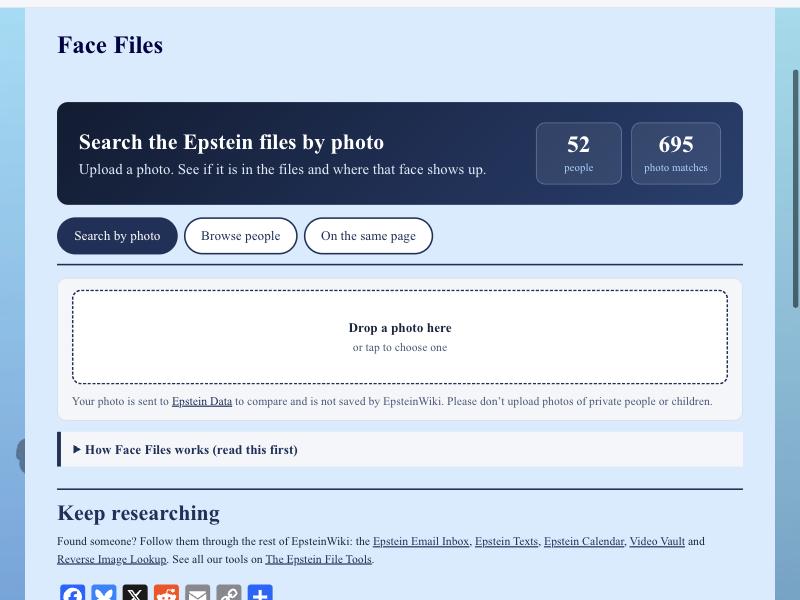
Face Files lets you search the Epstein files photos by face. Right now it covers 52 people and 695 photo matches, and it’s growing. Here’s how it works.
Search by Photo
Open Face Files and drop a photo into the box. It’s sent to Epstein Data to compare against the files and is not saved by EpsteinWiki. You’ll see whether that face is in the files and where it shows up.
One rule: please don’t upload photos of private people or children. This tool is for public figures in a public record.
Browse People
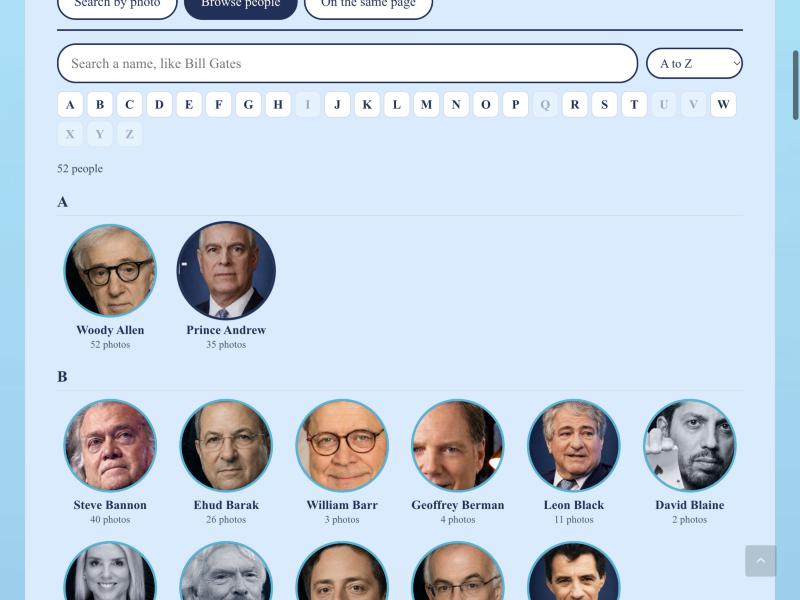
Tap Browse people to see everyone in the tool, A to Z, with the number of photos for each. Search a name or jump to a letter.
Read a Person’s Page
Tap a face and you get their page. Steve Bannon, for example, has 40 pages with his face: 9 confirmed by our research and 8 strong computer matches. Green badges mean confirmed. Everything else is a computer match, so open the page and check it yourself.
Quick buttons send you to that person’s emails, texts, calendar entries, timeline and EpsteinWiki profile. Being in a photo is not proof of wrongdoing. Plenty of these are news clippings.

On the Same Page
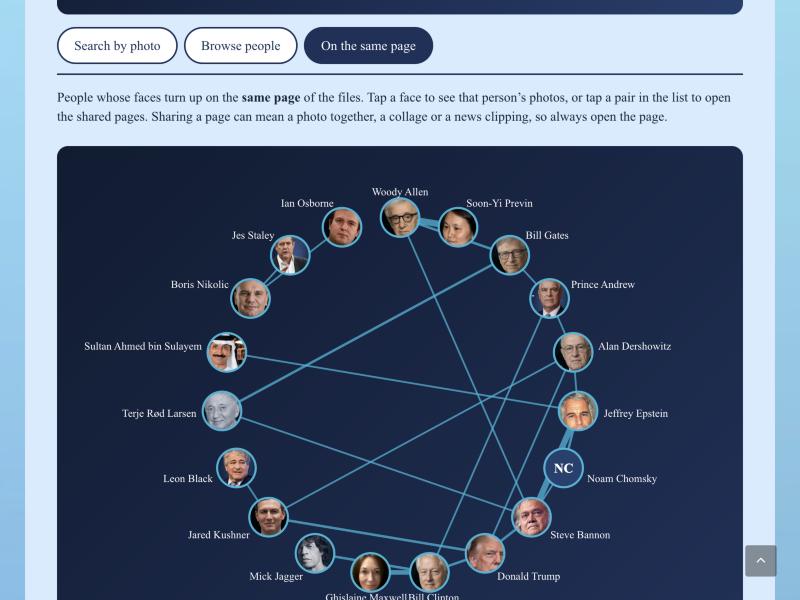
The third tab shows whose faces turn up on the same page of the files, drawn as a web. Tap a face to see that person’s photos, or tap a pair to open the pages they share. Sharing a page can mean a photo together, a collage or a news clipping, so always open the page.
Credit Where It’s Due
Face Files runs on Epstein Data‘s face matching. We were inspired by epstein.photos from Decoherence Media, who did pioneering work identifying faces in these files.
Go Dig
Open Face Files and browse the people.
Faces don’t lie about where they’ve been, kittens. Captions sometimes do, so always check the page.